
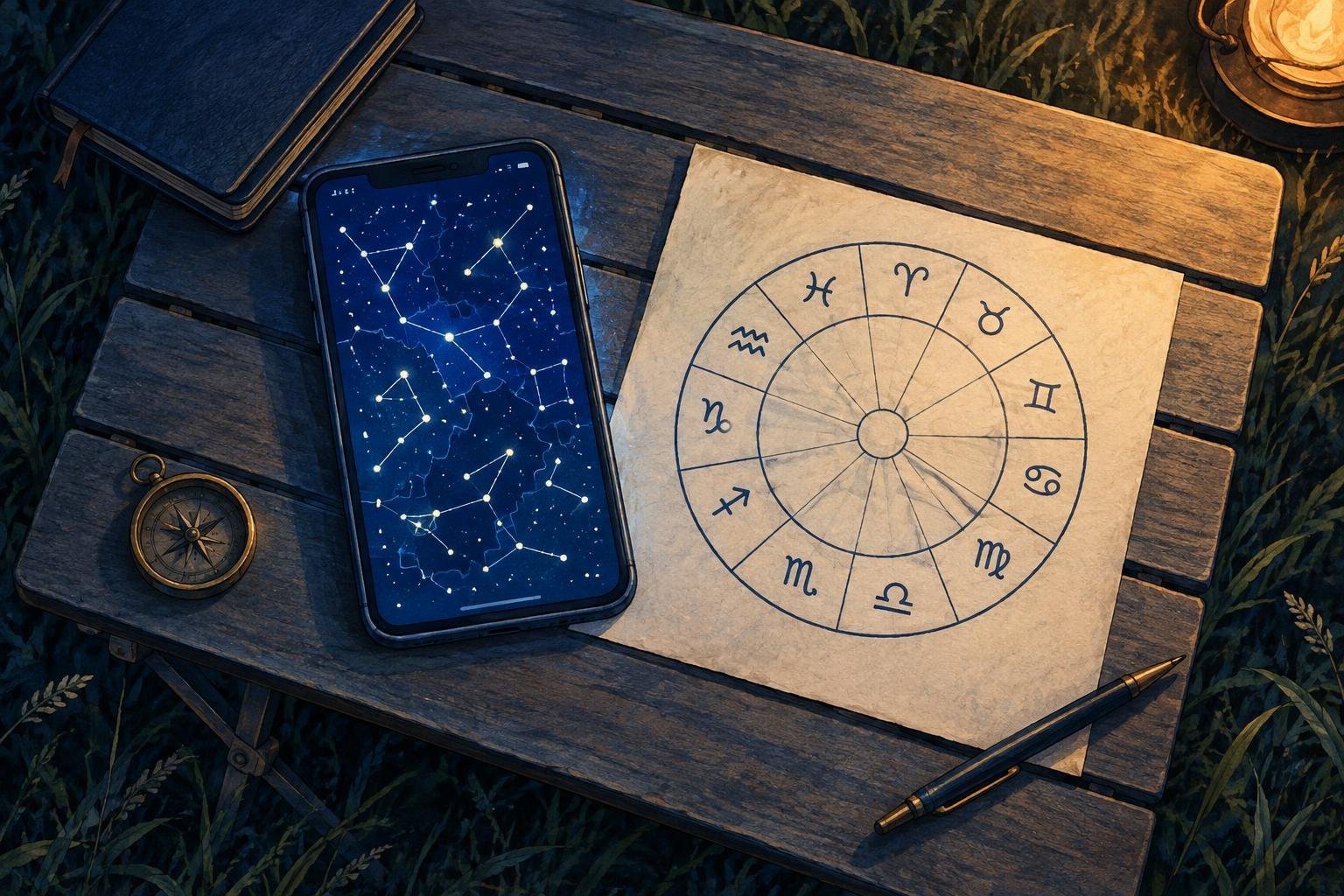
Your sky map places a planet in one constellation, while your horoscope puts it in a different sign. Start by checking what each name describes: the map may label a constellation, while the horoscope gives an astrological sign. Before comparing the labels, identify the system behind them.
Keep both screens open. The useful checks begin with the map’s legend and end with its clock.
First, find out what the map labels
Look in the map’s legend, display settings or help page for constellation names, lines and boundaries. These describe different layers. A drawing of a ram and the lines connecting its stars serve a different purpose from the boundary enclosing the constellation Aries.
The International Astronomical Union defines a constellation as a bounded area of sky. The familiar stick figures help you recognise star patterns, but their connecting lines do not define those areas.
Stellarium provides a useful example: its documentation distinguishes constellation lines, boundaries and artwork. Other apps arrange their controls differently, so look for the description of the layer rather than following a fixed sequence of menu taps.
If the label identifies a constellation, you have established what the map is naming. Next, check how the horoscope divides the zodiac.
The tropical zodiac starts at the March equinox
In a tropical horoscope, the beginning of Aries is anchored to the Sun’s position at the March equinox. From that starting point, the zodiac runs through twelve equal signs of 30 degrees each.
Those equal sections underpin the sign placements you read in a tropical birth chart or transit forecast. The astronomical constellations have different shapes and sizes, so their boundaries do not match the sign divisions.
This explains how a planet can receive one name in a tropical horoscope and another on a constellation map. The two displays are assigning its position to differently defined sections of sky.
Check the horoscope’s settings or explanatory notes for the word tropical. A familiar sign name alone does not tell you which zodiac the source uses.
The sidereal zodiac uses a stellar reference
A sidereal horoscope anchors its zodiac to a reference defined relative to the stars. It also uses twelve equal signs of 30 degrees each.
That equal division matters when you compare it with a sky map. Astronomical constellations occupy unequal stretches along the Sun’s apparent yearly path; sidereal signs retain equal lengths. Selecting “sidereal” therefore does not make a horoscope adopt the IAU constellation boundaries.
The relationship between the tropical starting point and the stellar background changes gradually through precession, the slow shift of the equinox relative to the stars. This accounts for the growing separation between the tropical and sidereal reference systems.
For sidereal charts, check the ayanamsha too
A sidereal setting needs one more detail: the ayanamsha, the chosen offset between the tropical and sidereal zodiacs. Different conventions establish that offset differently.
Astrodienst documents several, including Lahiri and Fagan/Bradley. Two sources can both say “sidereal” while using different ayanamshas, which can produce different sign placements near a boundary.
When comparing two sidereal charts, write down the ayanamsha name from each. If one source leaves it unspecified, its general “sidereal” label does not give you everything needed for a like-for-like comparison.
Match the planet and the moment
Once you have identified the reference systems, check the inputs:
- Select the same object. Compare the Moon with the Moon, or Venus with Venus.
- Match the date. A live sky map and a birth chart usually show different dates.
- Match the instant. Check the time-zone information as well as the displayed clock time.
- Check whether time is running. Pause the map or return it to the intended moment before comparing.
The University of Iowa’s Stellarium Web guide shows controls for date, time and observing location, and notes that the clock normally keeps running. That makes a quick clock check especially useful when you reopen a map you configured earlier.
For a comparison you can return to, save the screenshots with the object, date, time zone, zodiac type and—where relevant—ayanamsha recorded beside them. You will then know exactly what each label represents.
Sources
This article has been editorially reviewed
This article has been checked for factual accuracy, language quality and compliance with editorial standards.
 David, Virtual astrologer